In the digital age of 2026, the dreaded “Storage Full” notification is perhaps the most frustrating hurdle for smartphone and PC users. With 4K videos, high-resolution photography, and massive app data, the standard 5GB or 15GB offered by mainstream providers like Apple and Google often vanishes within weeks. If you are tired of deleting precious memories to make room for new ones, it is time to look beyond the default options.
The cloud storage landscape has evolved significantly. Today, it isn’t just about how many gigabytes you get; it’s about zero-knowledge encryption, cross-platform syncing speed, and AI-driven file management. I have personally tested and vetted the top 12 free cloud storage alternatives to help you find the perfect balance between massive space and ironclad security.
Why Look for Cloud Storage Alternatives in 2026?
While Google Drive and iCloud are convenient, they come with strings attached. Privacy concerns have reached an all-time high, and many users are uncomfortable with tech giants scanning their personal files for “metadata” or advertising purposes. Furthermore, subscription costs for extra storage have seen a steady climb, making free high-capacity alternatives more attractive than ever.
Choosing an alternative allows you to diversify your data. By using multiple services, you can keep your work documents on a highly secure platform while offloading thousands of media files to a high-capacity provider. This “multi-cloud” strategy is the smartest way to manage your digital life in 2026 without spending a dime.
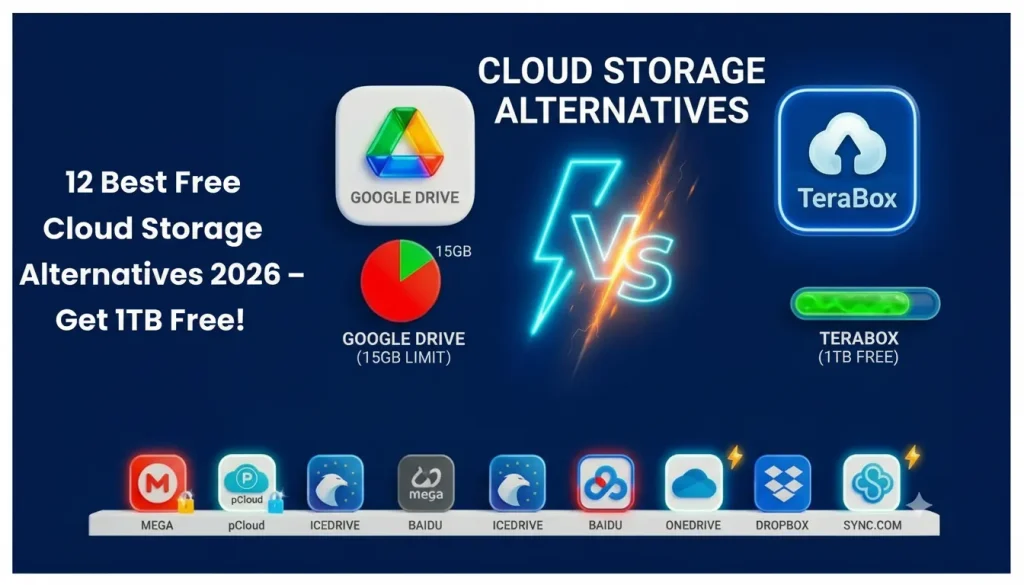
Cloud Storage Comparison Table (2026)
Service Name | Free Storage | Best Feature | Primary Use Case |
TeraBox | 1024GB (1TB) | Massive Free Capacity | Large Video Backups |
Mega | 20GB | Zero-Knowledge Encryption | Privacy-Focused Files |
pCloud | 10GB | Built-in Media Streaming | Music & Video Collections |
Degoo | 100GB | AI Photo Management | Mobile Photo Gallery |
IceDrive | 10GB | Virtual Drive Interface | Seamless PC Integration |
Google Drive | 15GB | Workspace Integration | Daily Documents & Sheets |
Internxt | 10GB | Decentralized Web3 Security | Ultra-Secure Storage |
Koofr | 10GB | Multi-Cloud Connection | Consolidating Other Clouds |
MediaFire | 10GB | One-Click File Sharing | Quick Public Sharing |
Sync.com | 5GB | HIPAA-Level Security | Confidential Business Docs |
OneDrive | 5GB | Windows & Office 365 Sync | Productivity & Work |
Dropbox | 2GB | Smart Sync Technology | Professional Collaboration |
12 Best Free Cloud Storage Alternatives (Detailed Review)
1. TeraBox – Best for 1TB Free Storage
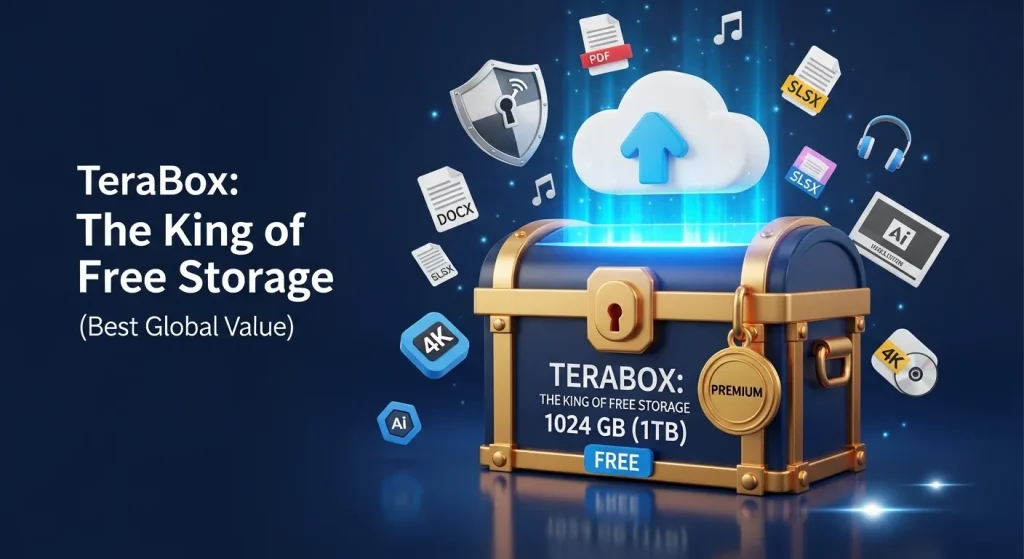
TeraBox mod apk remains the undisputed heavyweight champion of free space in 2026. While other providers offer a handful of gigabytes, TeraBox grants users a staggering 1024GB (1TB) of storage the moment they sign up. This is enough room for roughly 300,000 photos or over 250 movies. The mobile app is exceptionally user-friendly, featuring an automatic gallery backup that ensures your phone stays clutter-free.
However, such massive free space comes with trade-offs. The free tier is supported by advertisements, which can occasionally be intrusive. Additionally, while the service is safe for general media, it lacks the high-end “zero-knowledge” encryption found in rivals like Mega. It is best used for storing large libraries of movies, games, or non-sensitive photography.
2. Mega – Best for Privacy & Encryption

Mega has built its reputation on the pillar of absolute privacy. They offer a generous 20GB of free storage, which is higher than Google Drive. What sets Mega apart is its “User-Controlled Encryption.” This means your files are encrypted on your device before they even reach Mega’s servers. Not even the employees at Mega can see what you have stored; only you hold the master key.
Beyond security, Mega provides a sleek interface and powerful collaboration tools. You can share encrypted links with friends, set passwords on those links, and even use an encrypted chat feature. For 2026, Mega remains the gold standard for users who prioritize data sovereignty and want to ensure their private documents stay private.
3. pCloud – Best for Media & Music
pCloud is a versatile service that offers 10GB of free storage, designed specifically for media enthusiasts. Its standout feature is the built-in media player, which allows you to stream your uploaded music and videos directly from the cloud without needing to download them first. It essentially acts like your own personal Spotify or Netflix server.
The platform is also known for its “pCloud Crypto” folder (though usually a paid add-on), which provides top-tier security for sensitive items. For the average user, the speed of pCloud is its biggest draw; it has no file size limits, meaning you can upload a 50GB 4K video file as easily as a small photo, provided you have the space.
4. Degoo – 100GB Free Cloud Storage
Degoo targets the mobile-first generation that takes thousands of photos every year. Offering 100GB of free storage, it positions itself as the ultimate backup for your smartphone gallery. The app uses AI to rediscover your “best memories” and highlight them for you, making it feel more like a smart gallery than a cold storage bin.
The catch with Degoo is the user experience. The free version is quite heavy on ads, and you must log in at least once every 90 days to keep your account active. It is an excellent secondary backup for your photos, but it isn’t ideal for managing work documents or frequently accessed files due to its cluttered interface.
5. IceDrive Fast & Modern Cloud Storage
IceDrive is the most modern-looking service on this list, offering 10GB of free space. Its “Virtual Drive” feature is revolutionary for desktop users; it allows you to mount the cloud storage as if it were a physical hard drive on your computer. You can open, edit, and save files directly to the cloud without them taking up any actual space on your local SSD.
The security is also impressive, utilizing the Twofish encryption algorithm, which many experts consider more secure than standard AES. IceDrive is perfect for users who want a seamless, fast experience that feels like a natural extension of their computer’s operating system.
6. Google Drive Best for Everyday Use
Google Drive remains a staple because of its deep integration with the Android ecosystem and Google Workspace. With 15GB of free storage shared across Gmail and Photos, it is the most convenient option for most people. Its real-time collaboration features on Docs, Sheets, and Slides are still the best in the industry for 2026.
The downside is that 15GB fills up incredibly fast, especially with high-resolution backups. Privacy advocates also point out that Google scans your files to feed its algorithms and ad-targeting engines. It remains the best choice for productivity, but not the best for absolute privacy.
7. Internxt Web3 Secure Cloud Storage

Internxt is a newcomer that has gained massive popularity in 2026 by utilizing decentralized technology. It offers 10GB of free space and operates on a Web3 architecture. Instead of your files being stored on a single central server, they are fragmented and distributed across a global network, making it nearly impossible for hackers to steal your data.
Internxt is also completely open-source, allowing security experts to verify their code constantly. If you are wary of big-tech corporations and want a storage solution that is mathematically secure and transparent, Internxt is the future-proof choice.
8. Koofr Lightweight & Secure Storage
Koofr offers a modest 10GB of free storage but stands out for its unique “Multi-Cloud” feature. It allows you to connect your existing Google Drive, Dropbox, and OneDrive accounts into one single interface. This makes searching for a specific file across all your cloud accounts incredibly easy.
Koofr is based in Europe and adheres to strict GDPR privacy laws, ensuring they don’t track your activity or sell your data. It is a lightweight, no-nonsense service that is perfect for users who want to organize their scattered digital lives in one place.
9. MediaFire Simple File Sharing Service
MediaFire has been a household name for years because of its simplicity. It offers 10GB of free storage, which can be expanded to 50GB through referrals. There are no complex folders or encryption settings to worry about; you simply upload a file and share the link. It is the most “plug-and-play” service in the 2026 market.
While it lacks the advanced syncing and security features of Mega or pCloud, it is perfect for sharing large files with friends or hosting public downloads. If you need to send a heavy folder to someone quickly without them needing to sign up for an account, MediaFire is the way to go.
10. Sync.com Secure File Sharing Platform
Sync.com is built for people who handle confidential information. While it only offers 5GB of free storage, it provides HIPAA-compliant security that is usually reserved for banks and hospitals. Every file you upload is protected by zero-knowledge encryption, ensuring that no unauthorized person can ever access your data.
It is particularly useful for freelancers, lawyers, or medical professionals who need to share sensitive documents with clients. The 5GB limit is small for media, but more than enough for thousands of secure PDF and Word documents.
11. Microsoft OneDrive Best for Windows Users
OneDrive is the default choice for the millions of people using Windows 10 and 11. It offers 5GB of free space and is deeply integrated into the File Explorer. One of its best features is the “Personal Vault,” which requires a secondary biometric or PIN authentication to open, providing an extra layer of safety for your most private files.
The integration with Office 365 is seamless, allowing you to auto-save your work as you type. While the free space is limited, its reliability and the “Files-on-Demand” feature make it a solid choice for students and office workers.
12. Dropbox Best for Team Collaboration
Dropbox offers the least amount of free storage on this list at just 2GB, but it remains a professional favorite. Its “block-level file copying” is still the fastest in the world; if you change one sentence in a huge document, Dropbox only syncs that specific change rather than re-uploading the whole file.
It is widely used in creative industries for its excellent commenting and file-request features. While you will likely outgrow the 2GB very quickly, it is a great “gateway” cloud for professional projects and high-speed syncing between devices.
Best Cloud Storage for Specific Needs
- Best for Massive Space: TeraBox (1TB)
- Best for Absolute Privacy: Mega / Internxt
- Best for Streaming Media: pCloud
- Best for Work Collaboration: Google Drive / Dropbox
Pros and Cons of Free Cloud Storage
Pros:
- Cost-Efficient: No monthly fees for essential backups.
- Diversification: Using multiple clouds prevents “all eggs in one basket” risk.
- Global Access: Your data is available on any device with an internet connection.
Cons:
- Advertisements: Many free tiers use ads to stay afloat.
- Storage Limits: Most (except TeraBox) have relatively low caps.
- Privacy: Some providers may track metadata for advertising.
Final Thoughts on Cloud Storage Alternatives
In 2026, you are no longer forced to pay high monthly fees just to keep your files safe. By smartly utilizing the alternatives listed above, you can easily secure over 1.2TB of free cloud space.
My Recommendation: Use TeraBox for your heavy media files (movies/videos), Mega for your private documents, and Google Drive for your daily productivity tasks. This way, you get the best of all worlds: massive space, elite security, and peak convenience.
Frequently Asked Questions
Is TeraBox really safe to use for private photos?
TeraBox is safe for general use, but for highly sensitive photos (like ID cards or bank info), we recommend using Mega or Sync.com due to their zero-knowledge encryption.
Can I use all these services on my iPhone and Android?
Yes, all 12 services listed have dedicated apps for both iOS and Android, as well as web versions for desktops.
Will my files be deleted if I don't use the app for a long time?
Most services keep your data forever, but some (like Degoo) require you to log in at least once every few months to keep the free account active.